Try AssetNexa — no sign-up
You get your own sample organisation, Kestrel Works: an office and a warehouse, equipment with photos and QR labels, tools checked out to staff, inspections due and overdue, a forklift in maintenance and a warehouse audit half done. Nothing you do here reaches anybody else.
Sample data only, deleted after 24 hours. Please do not enter real personal data. Emails are shown on screen, never sent.
What to try
- Photo Identify: pick the sample tablet or camera photo and watch AI fill in the asset — name, brand, model and category.
- On a phone, open Scan or Add Asset and point the camera at an object: the live outline finds it before you take the picture.
- Assets: switch between the photo Gallery and the full register — phones open on the Gallery. Every asset has its own QR label.
- Inspections: the reception fire extinguisher check is overdue. Record it and the next due date is set for you.
- Assignments: the cordless drill is overdue back from Ana Lopez — check it in.
- Audits: the Riverside Warehouse spot check is half done and the pallet truck is still missing.
- Maintenance: the forklift failed its examination — see its risk, notes and repair booking.
- Reports: depreciation, warranty expiry (a laptop's warranty ends this month), movements and inspections.
- The staff phone app: “Try the demo” on its first screen opens this same sample organisation.
AI identifies the sample photos with pre-made answers. To identify your own photos and barcodes, sign up.
Try it on your phone
Scan to open this page on your phone — live detection works in the phone's browser, nothing to install. Or open the AssetNexa staff app and tap “Try the demo”.
Sample photos
Save one to your phone or computer and try it in Photo Identify — the tablet and camera are not in the register yet.
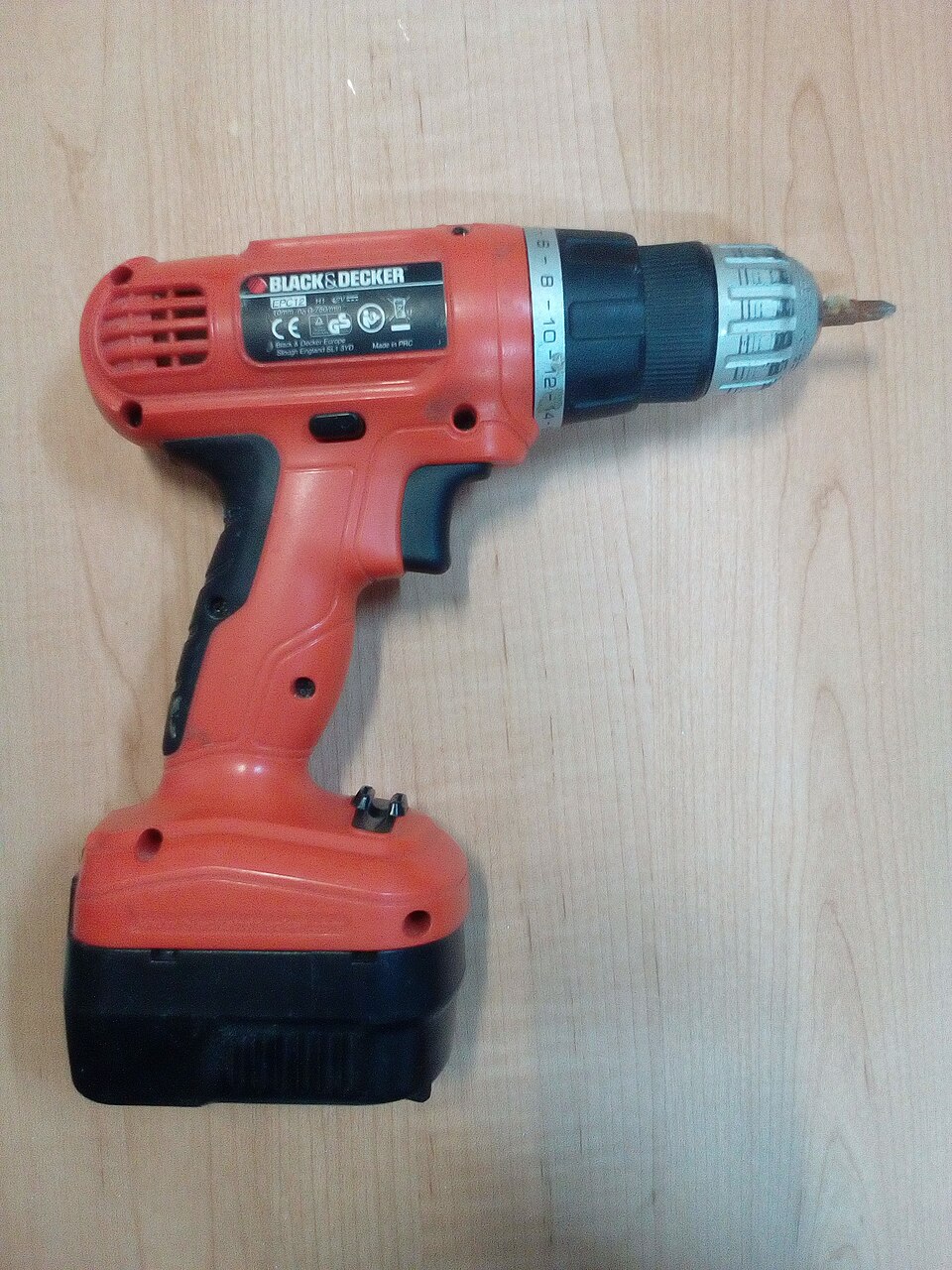
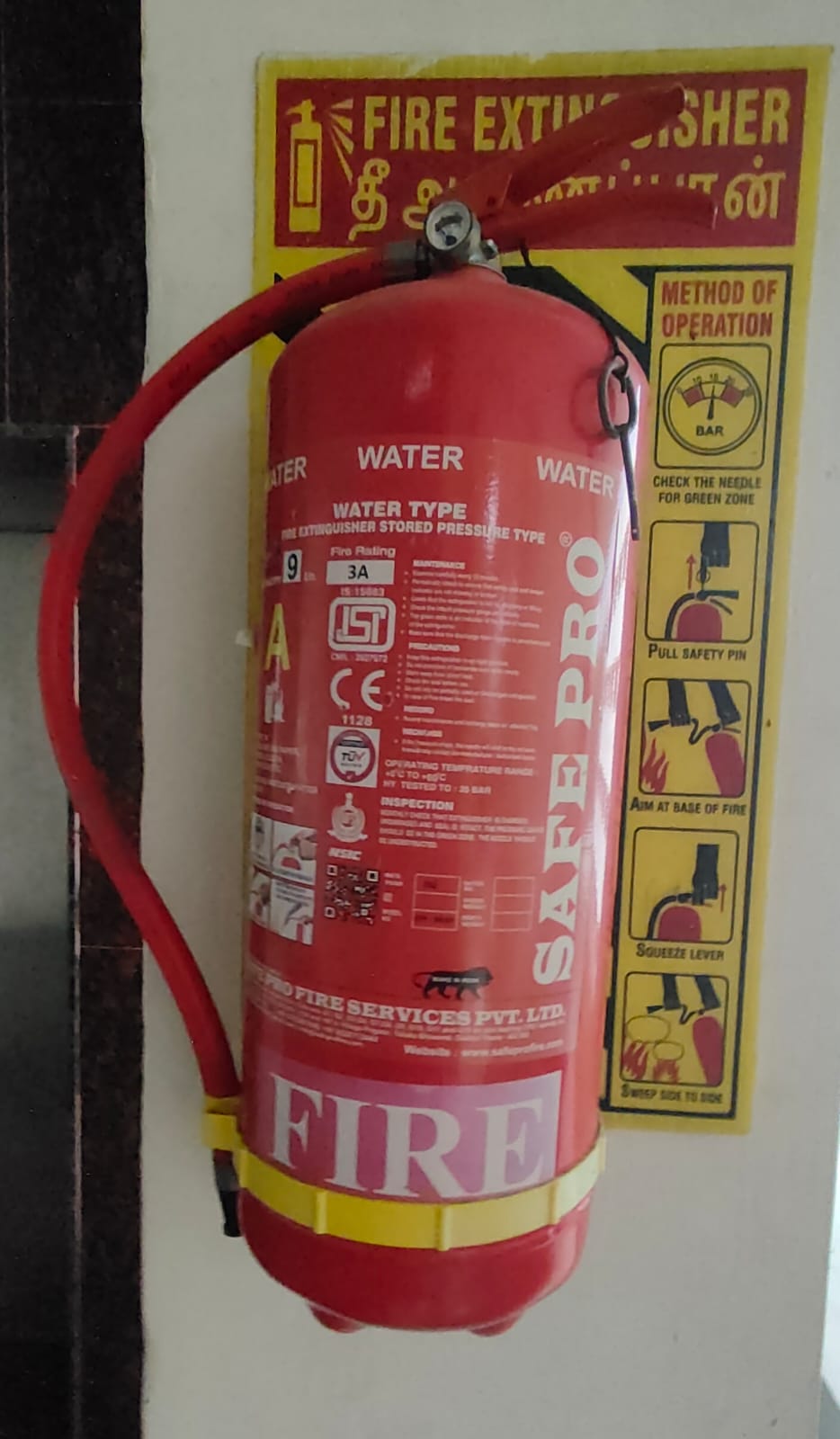
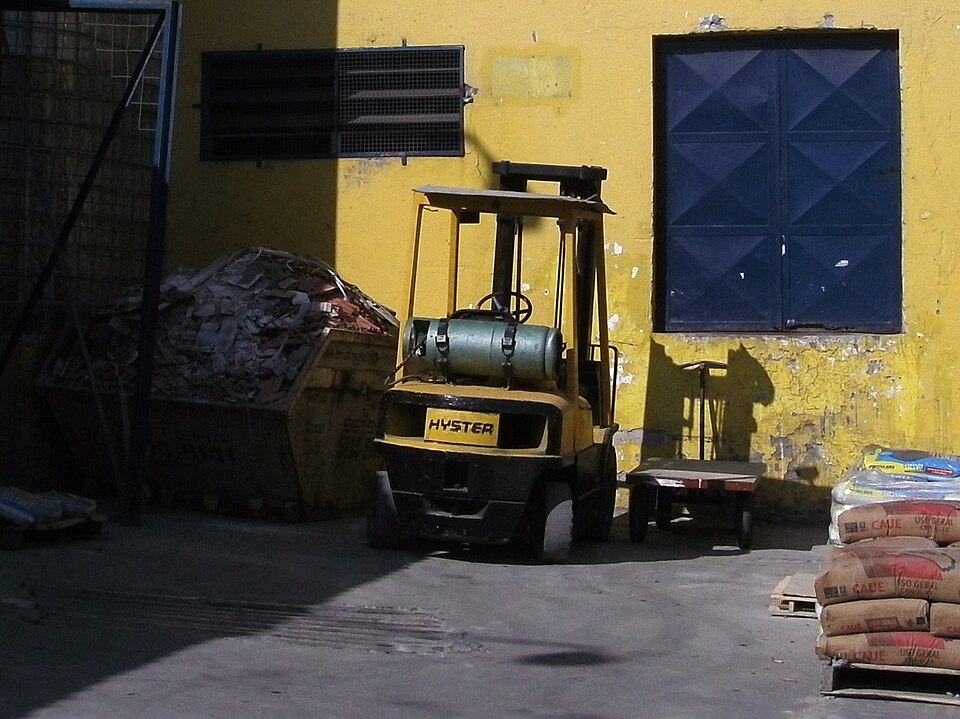
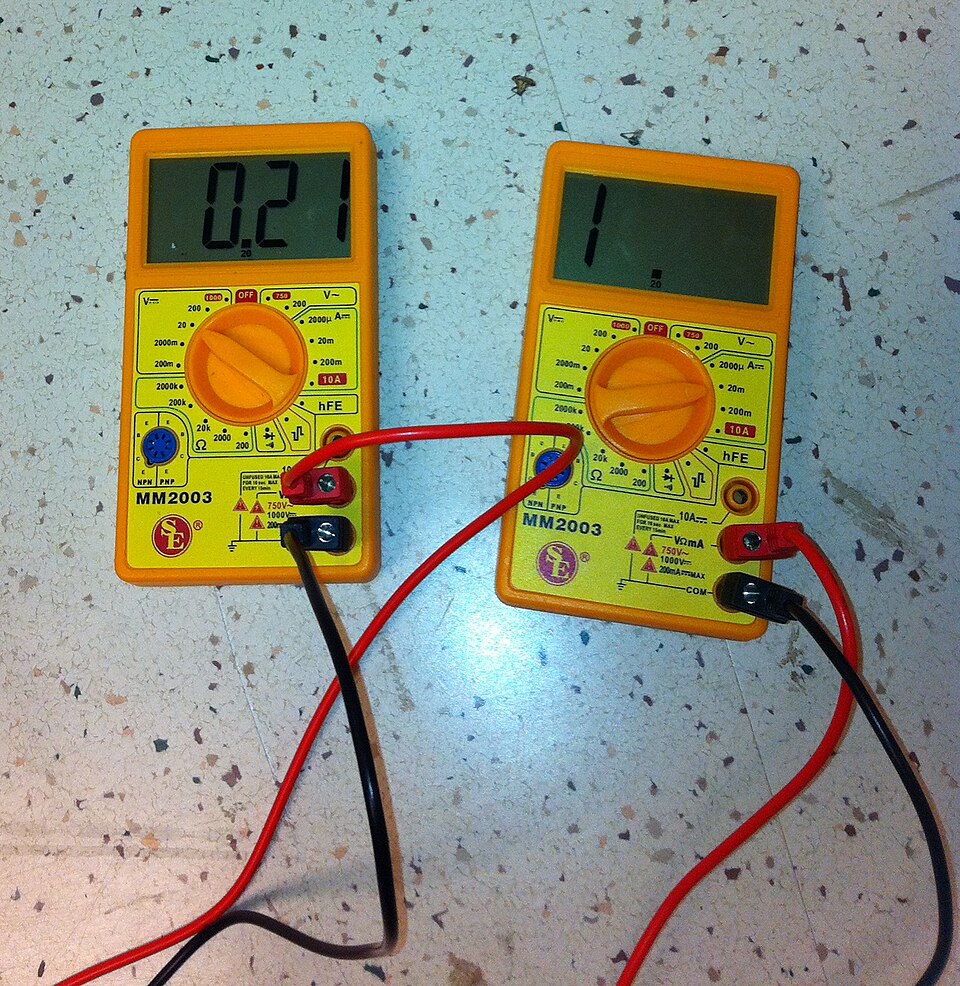
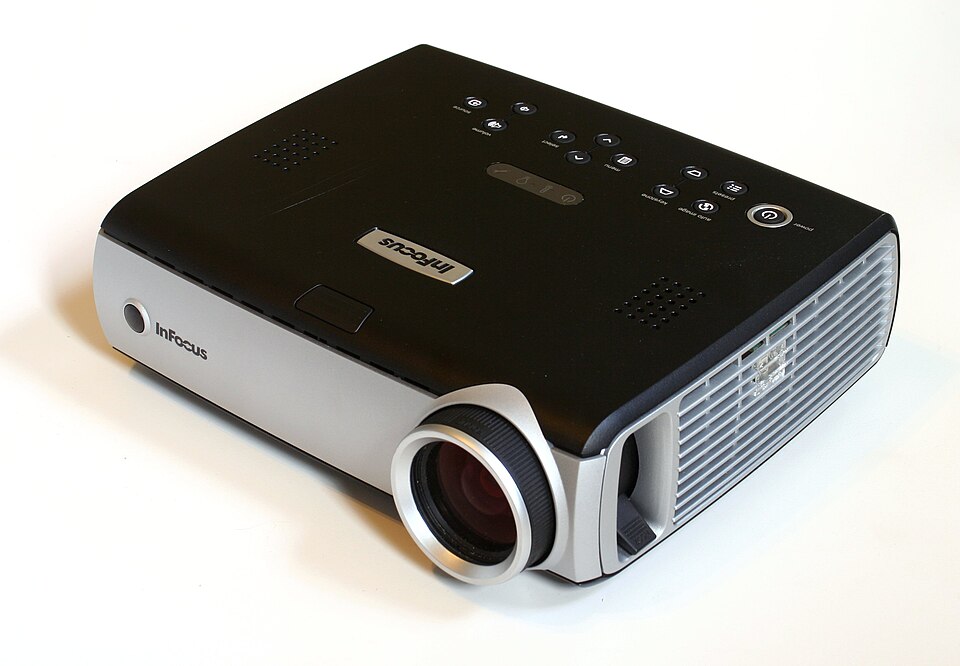
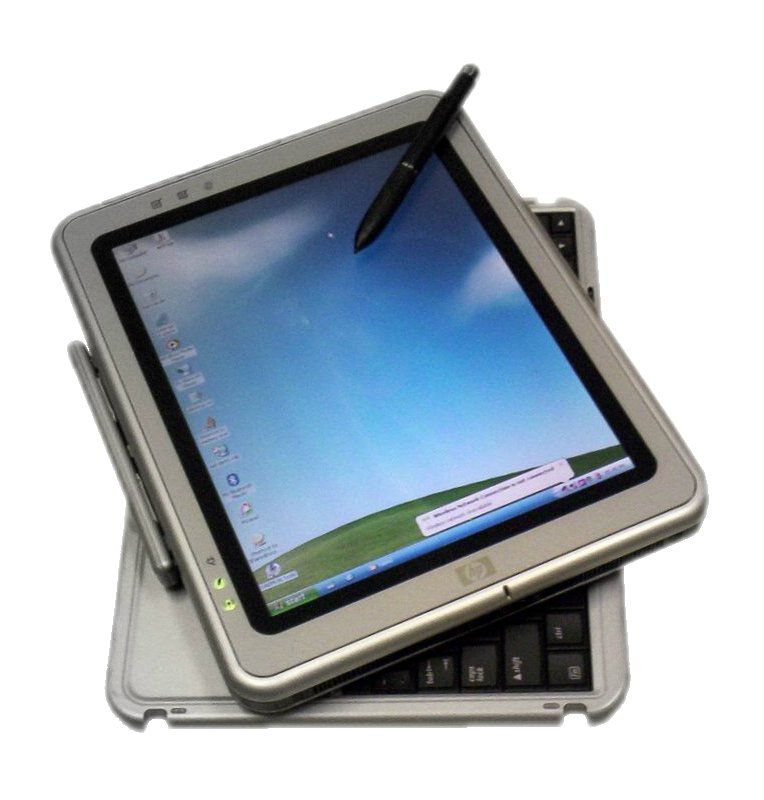
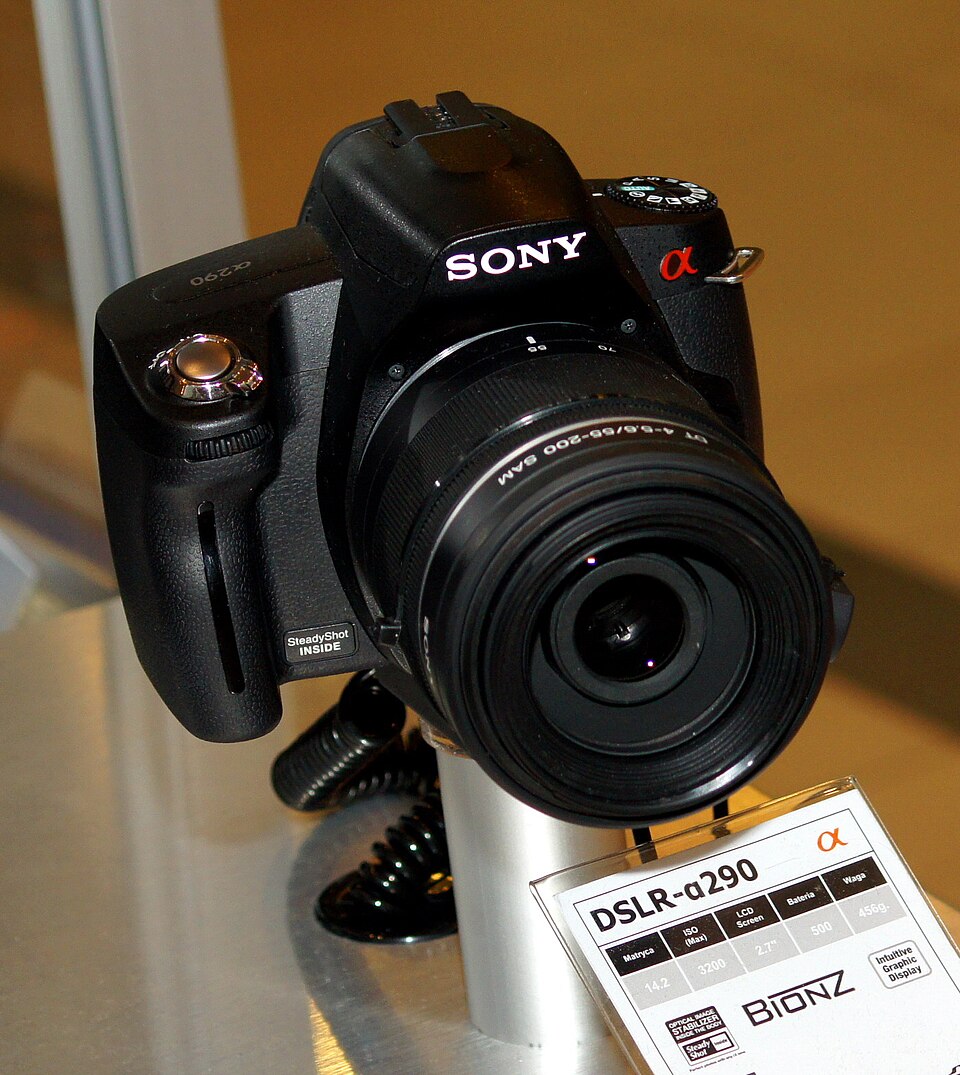
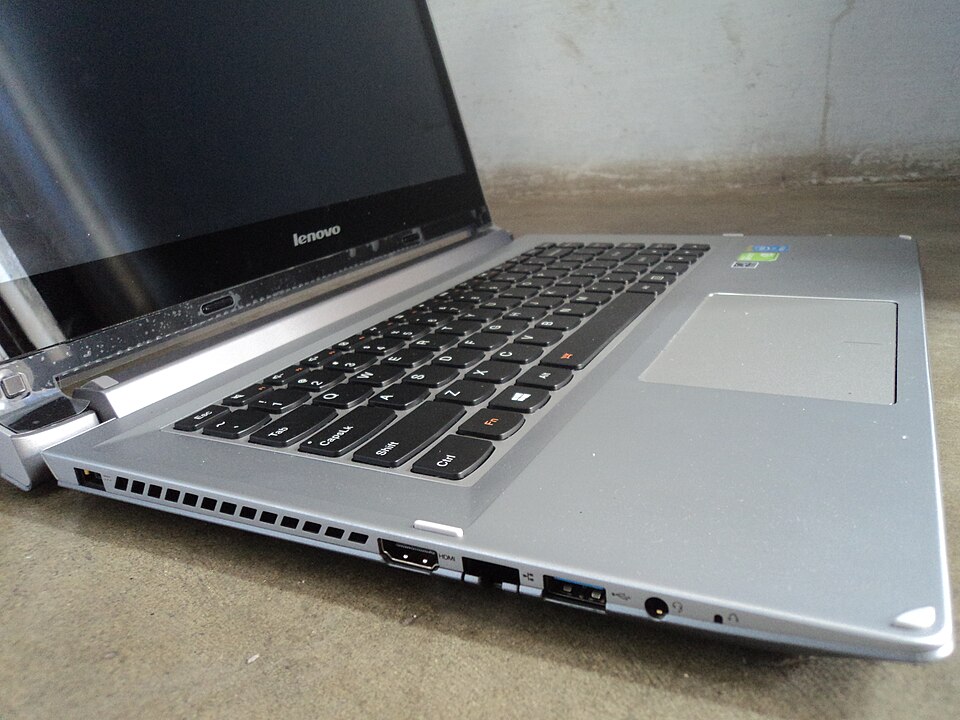
Photo credits
- Cordless electric (screw) drill.jpg — Fructibus (CC0)
- Fire extinguisher bottle.jpg — Swethasakthivel (CC0)
- Forklift truck empilhadeira.JPG — Onjacktallcuca (Public domain)
- SE MM2003 Digital Multimeter VoltandAmp.jpg — Emspangler at English Wikiversity (Public domain)
- InFocus IN34.jpg — Dave Pape (Public domain)
- HP Tablet PC running Windows XP (Tablet PC edition) (2006).jpg — Janto Dreijer (Public domain)
- Sony DSLR-A290.jpg — This photo was taken by Przemysław JahrAutorem zdjęcia jest… (Public domain)
- Lenovo IdeaPad Flex14 laptop (Leftside).jpg — Info-farmer (CC0)


